
Microsoft Lens - PDF Scanner
Microsoft Corporation
Downloads
50,000,000+
Version
Latest
Advertisement
Click to download now, finish the installation quickly, and directly unlock the "all-round experience"
Advertisement
Screenshots
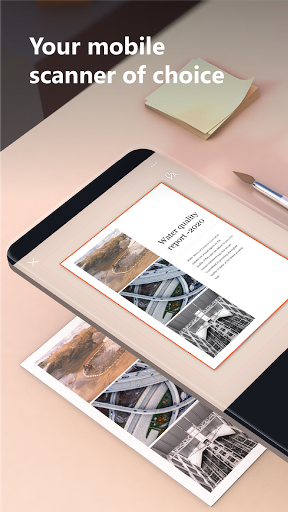
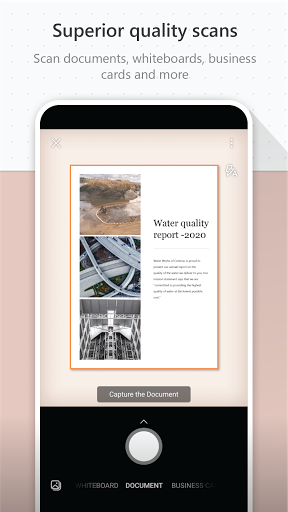

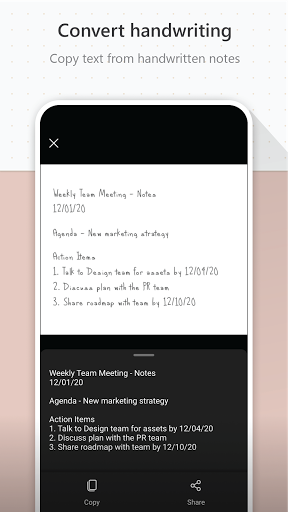
Click to download now, finish the installation quickly, and directly unlock the "all-round experience"
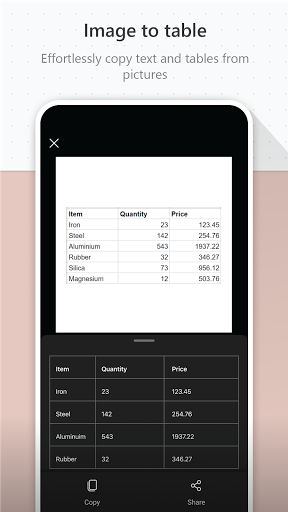
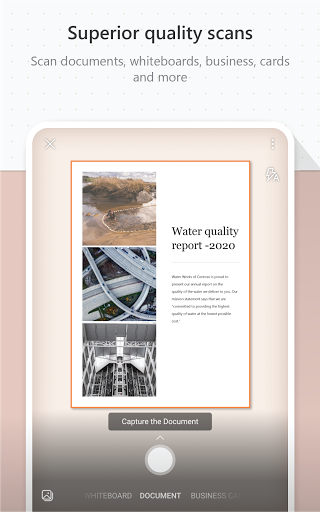
Microsoft Lens - PDF Scanner stands as a formidable contender in the crowded Productivity scanner app arena. It distinguishes itself by being more than just a scanner; it is a powerful document digitization hub deeply integrated into the Microsoft 365 ecosystem. This app excels at transforming physical media—from whiteboards and receipts to textbooks and business cards—into actionable, editable digital files, directly addressing the core need for seamless information capture and organization in modern workflows.
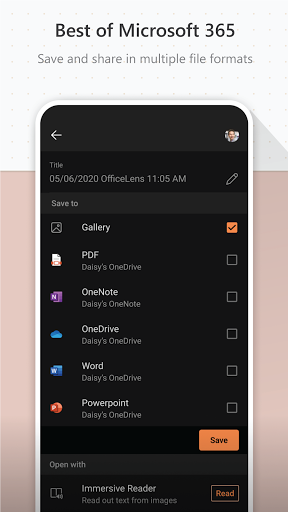
The interface adheres to Microsoft's Fluent Design principles, prioritizing efficiency and clarity—key expectations for a Productivity tool. The main capture screen is uncluttered, with easily accessible controls for flash, multi-page mode, and format selection. The post-capture workflow is intuitive, guiding users smoothly through enhancement options, format selection, and destination saving with minimal taps. The UX successfully minimizes the steps between capturing a physical object and having a usable digital asset, which is the hallmark of an effective productivity application.
The most significant upgrade would be expanding OCR language support to include a broader range of global languages for handwritten text. Enhancing the auto-enhancement algorithms for challenging lighting conditions (e.g., glossy paper, low-contrast prints) would improve first-try success rates. Introducing more advanced editing tools within the app itself, such as basic annotation or signature addition before export, could further reduce dependency on other apps. Finally, exploring lighter integration hooks with non-Microsoft cloud services (like Google Drive) could broaden its appeal to users in mixed-ecosystem environments.
This app is highly recommended for professionals, students, and academics deeply embedded in the Microsoft ecosystem, as the seamless integration with OneNote and Office apps is a killer feature. It is equally ideal for any user who requires reliable OCR and versatile format exports for digitizing documents, notes, and whiteboards. For those seeking a powerful, no-nonsense scanner that bridges the physical and digital worlds within a trusted productivity suite, Microsoft Lens - PDF Scanner is an outstanding and reliable choice.