Webroot® Mobile Security

Webroot® Mobile Security

Webroot LLC
Advertisement
3.6
Productivity
500,000+ Downloads

Click to download now, finish the installation quickly, and directly unlock the "all-round experience"

Advertisement

Screenshots
Screenshot
Screenshot
Screenshot
Screenshot
Screenshot
Screenshot
Screenshot
Screenshot
Screenshot
Screenshot
Screenshot
Screenshot
Screenshot
Screenshot
Screenshot
Screenshot
Screenshot
Screenshot
Screenshot
Screenshot
Screenshot
Screenshot
Screenshot
Screenshot

About This App

🏆 Expert Verdict & Overview

In an era where our smartphones are central to daily productivity and personal finance, Webroot® Mobile Security presents itself as a specialized safeguard. While categorized under Productivity, its true value lies in securing the digital workflows that enable productivity—safe browsing, banking, and data management. This analysis positions it as a proactive digital bodyguard, leveraging AI to operate unobtrusively in the background, thus aligning with the core tenet of productivity software: enabling efficiency by removing friction and risk.

🔍 Key Features Breakdown

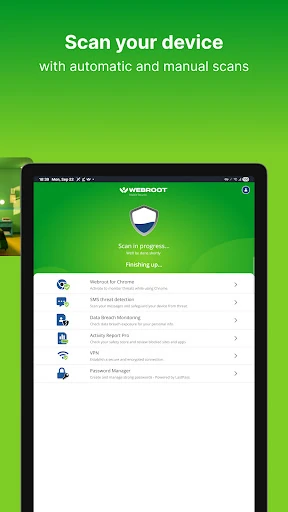
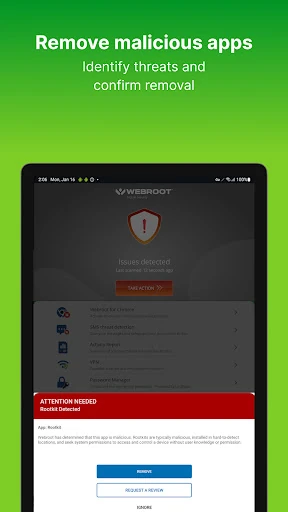
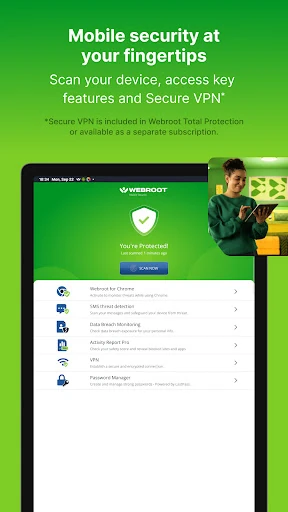
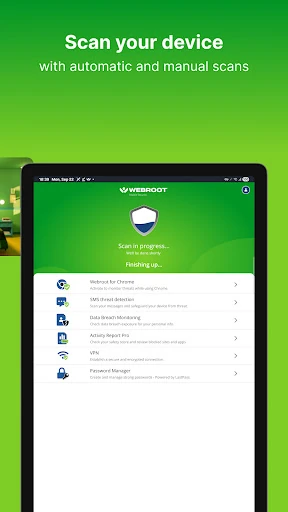
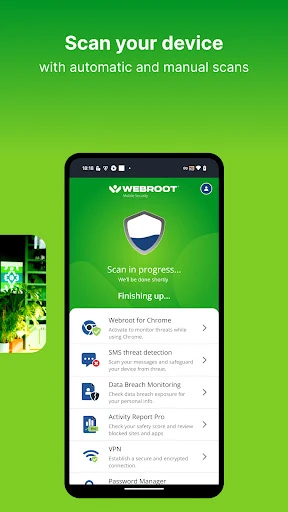
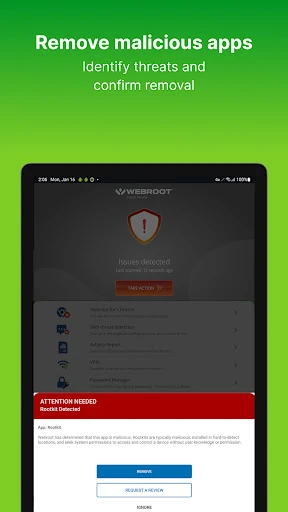
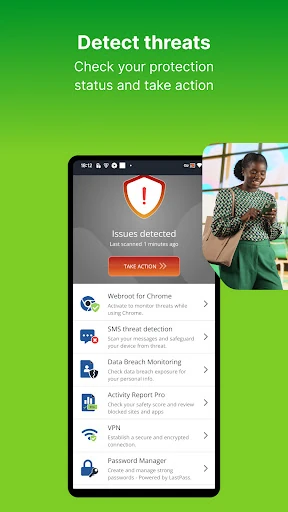
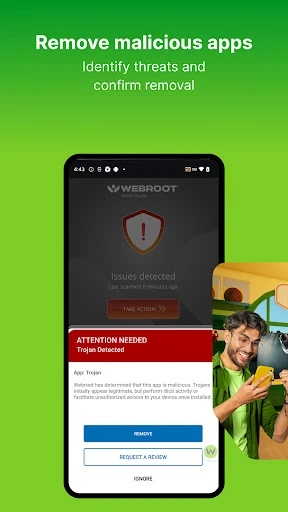
  • AI-Powered Real-Time Protection: This core engine solves the critical user problem of evolving threats by continuously scanning apps and system activity for malware, preventing infections before they occur without noticeable performance impact.
  • SMS & Phishing Scam Protection: Directly addresses the prevalent threat of social engineering by analyzing incoming messages and links for fraud, shielding users from one of the most common attack vectors.
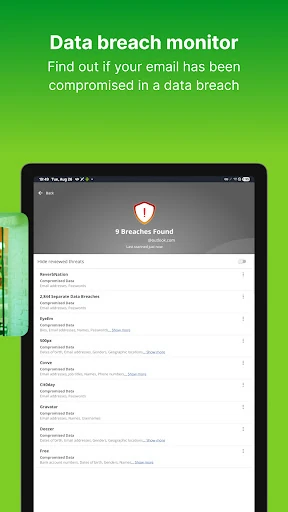
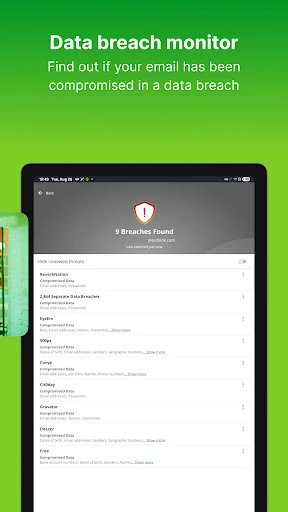
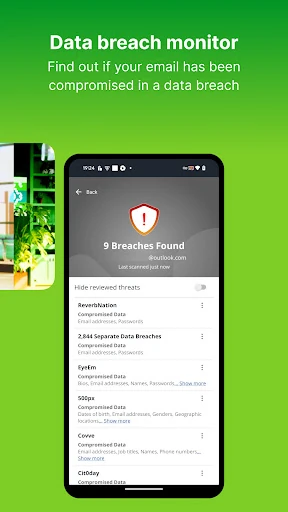
  • Data Breach Monitoring: Tackles the anxiety of large-scale data leaks by proactively checking if a user's email appears in known breaches, providing actionable remediation steps to secure compromised accounts.
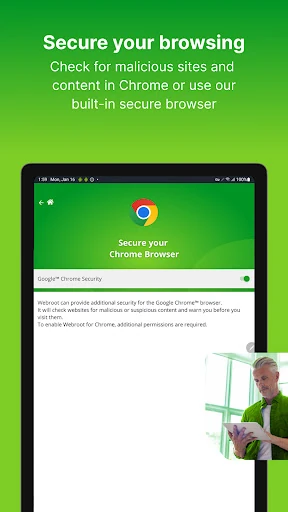
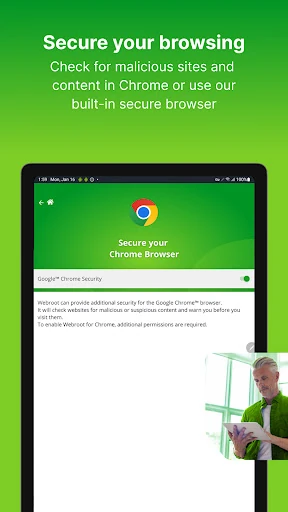
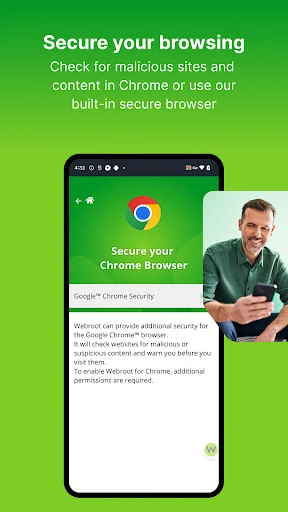
  • Safe Browsing with Accessibility API: Solves the problem of real-time web-borne threats during sensitive activities (shopping, banking) by integrating deep with the browser to block malicious sites as they are loaded.
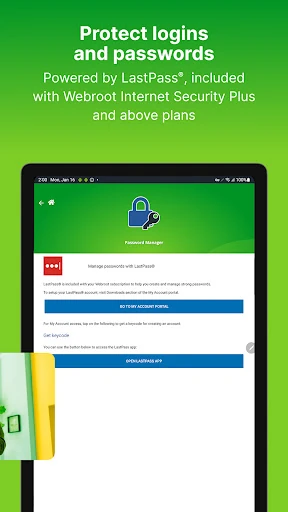
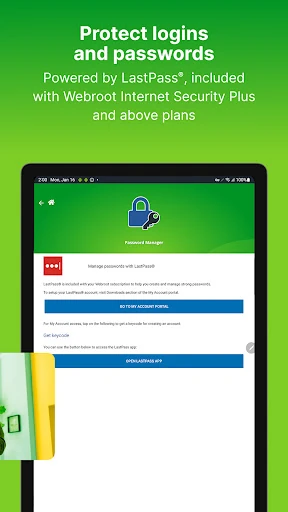
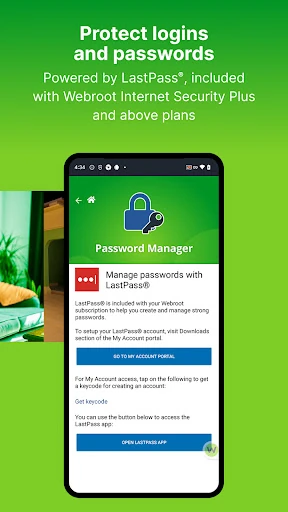
  • Integrated Password Manager (LastPass): Addresses poor security hygiene by encouraging and facilitating the use of strong, unique passwords across all accounts, a fundamental layer of digital safety.

🎨 User Experience & Design

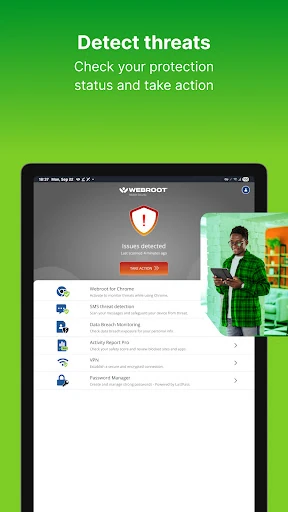
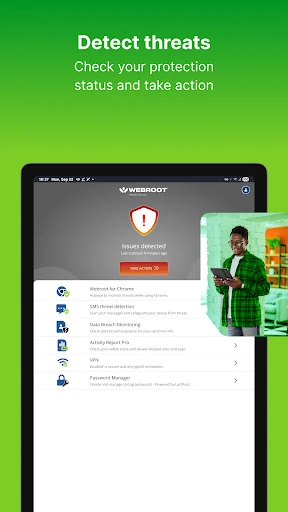
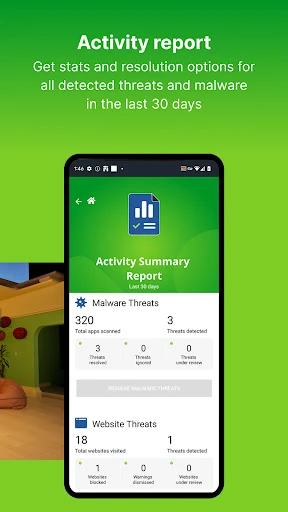
The app champions a "set it and forget it" philosophy, which is paramount for a productivity-adjacent security tool. The interface appears designed for clarity over complexity, offering quick-glance safety scores and straightforward threat resolution options. This approach minimizes user intervention and cognitive load, allowing individuals to focus on their primary tasks. The use of the Accessibility API for Safe Browsing, while powerful, must be implemented with extreme care for transparency and user consent to maintain trust, a cornerstone of good UX in security applications.

⚖️ Pros & Cons Analysis

  • ✅ The Good: Lightweight, background operation aligns perfectly with productivity needs—security without slowdown.
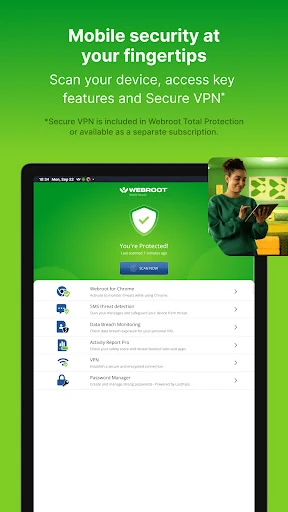
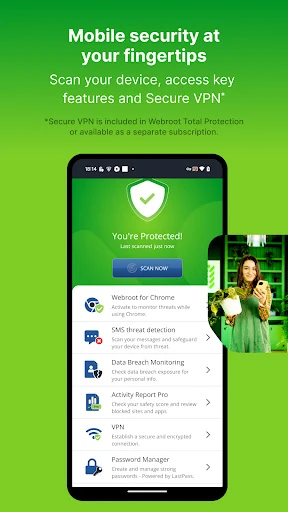
  • ✅ The Good: Multi-layered protection (app scanning, web filtering, SMS analysis, breach monitoring) covers a comprehensive threat surface.
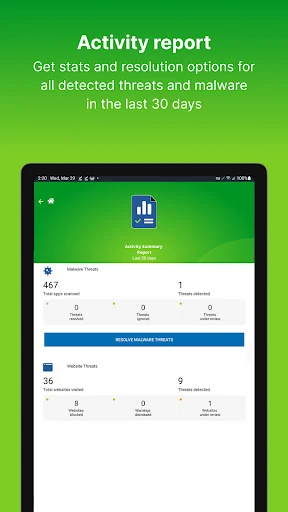
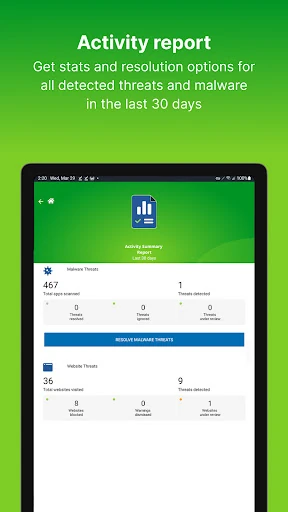
  • ✅ The Good: Actionable intelligence, like breach reports with remediation steps, empowers users rather than just alerting them.
  • ❌ The Bad: The premium Password Manager is gated behind higher-tier subscriptions (Internet Security Plus), fragmenting the core security suite.
  • ❌ The Bad: Heavy reliance on Accessibility features for core protection, while effective, may raise privacy questions for a segment of savvy users and requires careful ongoing justification.

🛠️ Room for Improvement

To enhance its value proposition, Webroot should consider integrating a basic, standalone password vault into its entry-level mobile offering, making complete security hygiene more accessible. Furthermore, developing a detailed, transparent "permissions explainer" within the app could demystify the use of powerful APIs like Accessibility, building greater user trust. Finally, adding a system-wide ad/tracker blocker would be a natural and highly-valued extension of its safe browsing mission.

🏁 Final Conclusion & Recommendation

Webroot® Mobile Security is highly recommended for Android users whose productivity is intrinsically linked to their digital safety—frequent online shoppers, mobile bankers, and anyone managing sensitive data on their device. It is particularly suited for those seeking a robust, "fire-and-forget" security solution. While power users may desire more granular controls, the app excels in delivering powerful, automated protection with minimal user burden, effectively securing the foundation upon which mobile productivity is built.