Socrative Teacher

Socrative Teacher

Showbie Inc.
Advertisement
3.3
Education
500,000+ Downloads

Click to download now, finish the installation quickly, and directly unlock the "all-round experience"

Advertisement

Screenshots
Screenshot
Screenshot
Screenshot
Screenshot
Screenshot
Screenshot
Screenshot
Screenshot
Screenshot
Screenshot
Screenshot
Screenshot
Screenshot
Screenshot
Screenshot
Screenshot

About This App

🏆 Expert Verdict & Overview

Socrative Teacher is a definitive tool in the modern Education technology stack, effectively transforming passive classrooms into interactive learning environments. The app excels at providing educators with a powerful, real-time platform for formative assessment, moving beyond traditional quizzes to create a dynamic feedback loop between teacher and students. Its core value lies in making student comprehension instantly visible and actionable, a critical need in today's diverse and fast-paced educational settings.

🔍 Key Features Breakdown

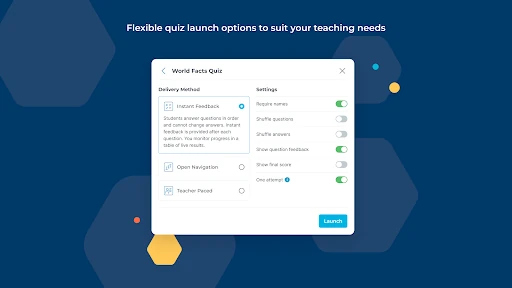
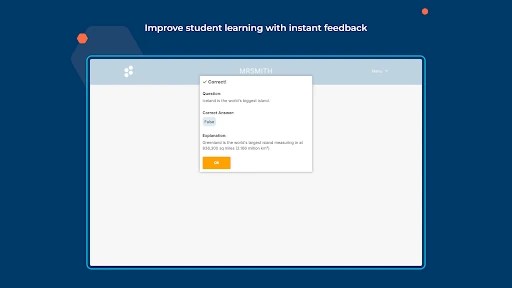
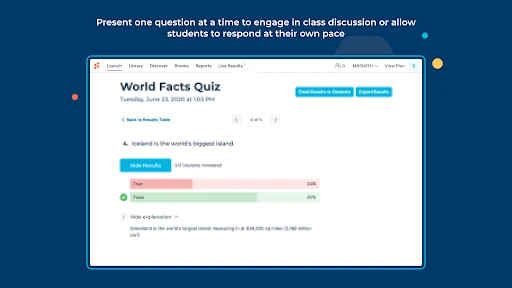
  • Real-Time Quizzes & Polls: Enables instant checks for understanding during a lesson without disrupting the flow, allowing teachers to pivot instruction immediately based on class-wide data.
  • Exit Tickets & Space Race: Solves the problem of gauging retention at lesson's end and introduces gamification to reinforce learning, boosting student engagement in the process.
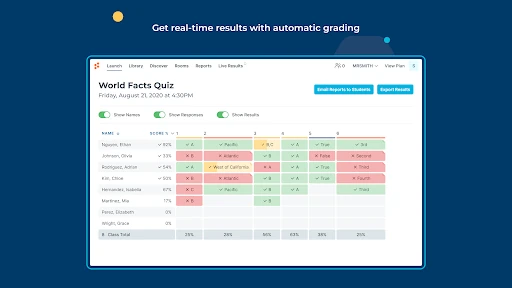
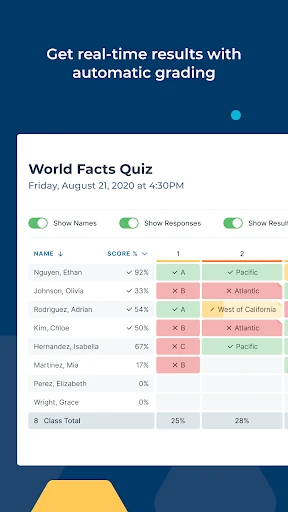
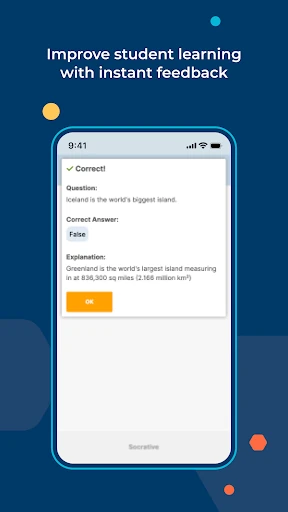
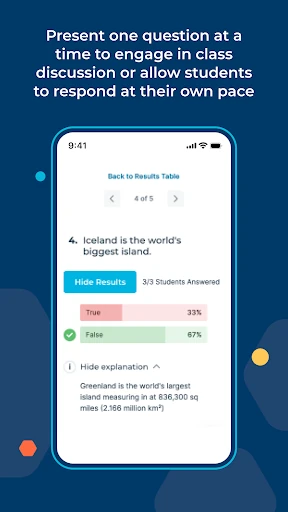
  • Automated Grading & Visualization: Drastically reduces teacher administrative workload by instantly grading quizzes and presenting results in clear, aggregate visuals, highlighting knowledge gaps efficiently.
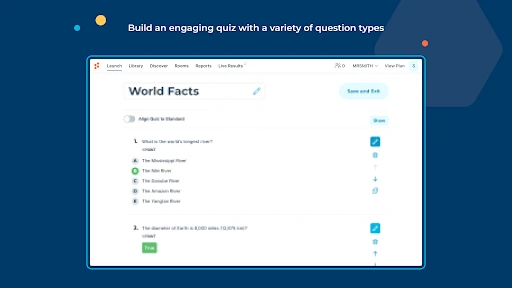
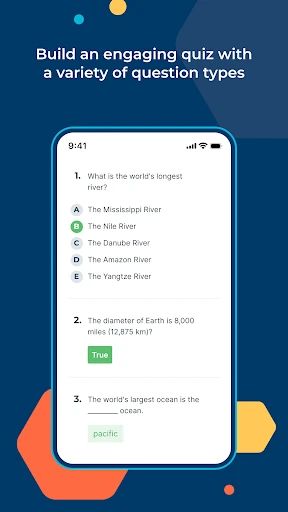
  • Multi-Format Questioning: Addresses different learning objectives by supporting not just multiple-choice, but also open-ended questions and live voting, catering to both quantitative and qualitative assessment.
  • Cross-Platform & Google Integration: Removes technical barriers by functioning on any web-enabled device and seamlessly integrating with Google sign-on and Drive, streamlining access and data management for schools in the Google ecosystem.
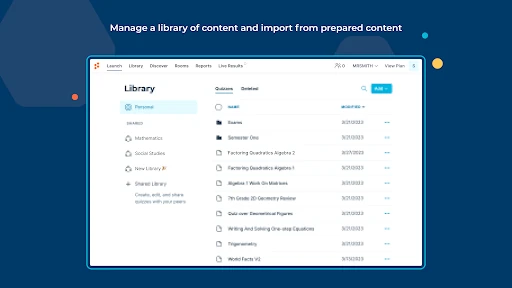
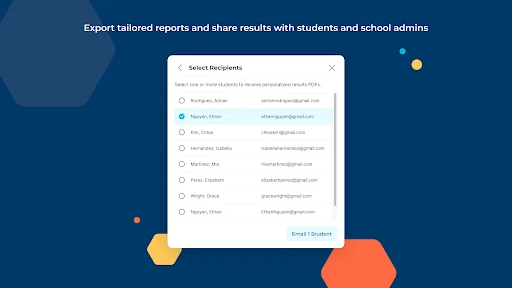
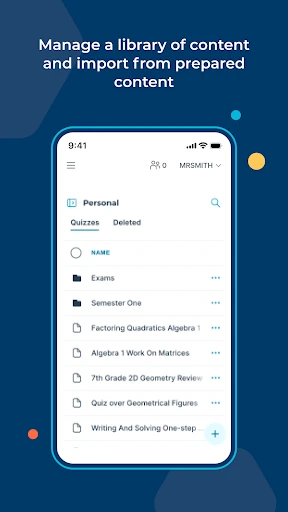
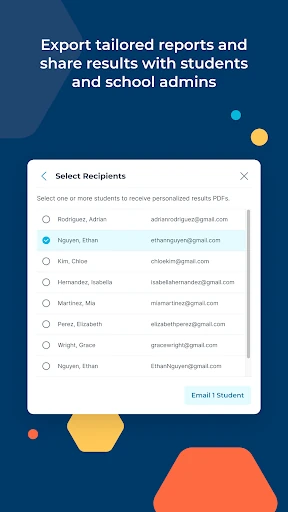
  • Quiz Sharing & Reporting: Fosters teacher collaboration by allowing quiz sharing and offers flexible reporting options (download, email, Drive), supporting both immediate action and long-term record-keeping.

🎨 User Experience & Design

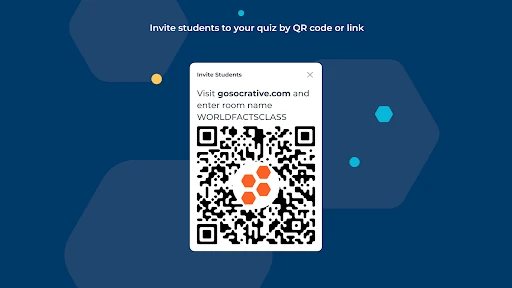
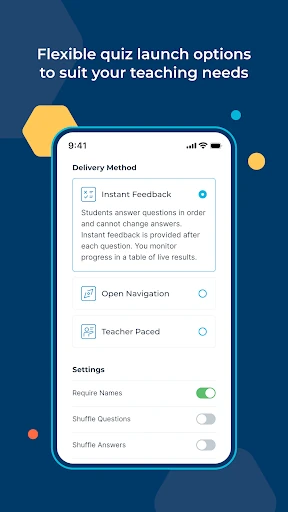
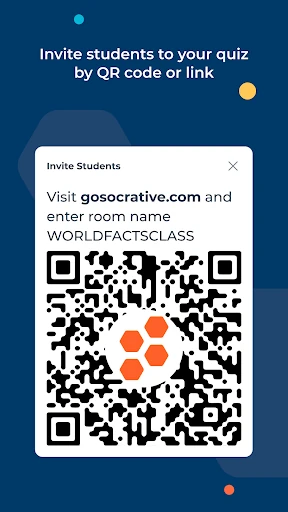
The UI adheres to a clean, functional design philosophy suitable for the Education category, prioritizing clarity and speed over aesthetic flair. The experience is centered on the educator's workflow: launching an assessment, viewing incoming results, and interpreting data are all streamlined into a minimal number of taps. The student-facing side is equally simple, reducing friction for learners to join and participate. This "device-agnostic" approach, working on any browser, is a significant UX strength, eliminating complex setup and ensuring inclusivity across various school tech infrastructures.

⚖️ Pros & Cons Analysis

  • ✅ The Good: Exceptional real-time interactivity that makes teaching responsive and data-driven.
  • ✅ The Good: Powerful time-saving through automated grading and instant visual reports.
  • ✅ The Good: High flexibility with multiple question types and engaging activity formats like Space Race.
  • ✅ The Good: Outstanding accessibility, requiring only a browser on any device, minimizing IT hurdles.
  • ❌ The Bad: The depth of data analysis, while good for formative assessment, may feel basic compared to advanced analytics platforms.
  • ❌ The Bad: Feature discovery for new users could be improved; the power is there, but an optimized onboarding flow would enhance initial adoption.
  • ❌ The Bad: As with any real-time tool, effectiveness is dependent on reliable student device access and internet connectivity in the classroom.

🛠️ Room for Improvement

Future updates could greatly benefit from a more advanced analytics dashboard, allowing teachers to track longitudinal student performance and identify trends over time. Enhancing the quiz editor with richer media support (image/video embedding in questions) would cater to more diverse learning styles. Furthermore, developing a lightweight "offline mode" for students to cache responses during spotty connectivity would make the tool more robust in all classroom environments. Finally, integrating with more Learning Management Systems (LMS) beyond Google would broaden its appeal.

🏁 Final Conclusion & Recommendation

Socrative Teacher is highly recommended for K-12 educators, trainers, and professors who prioritize formative assessment and active learning. It is particularly ideal for teachers seeking to move away from "teaching in the dark" and towards an evidence-based, responsive instructional style. While it may not replace summative testing platforms, it stands as an essential, day-to-day tool for any educator committed to visualizing and acting upon student understanding in the moment. The verdict: A premier, practical application that delivers on its core promise of engagement, assessment, and personalization with impressive efficiency.