
Advertisement
Click to download now, finish the installation quickly, and directly unlock the "all-round experience"
Advertisement
Screenshots
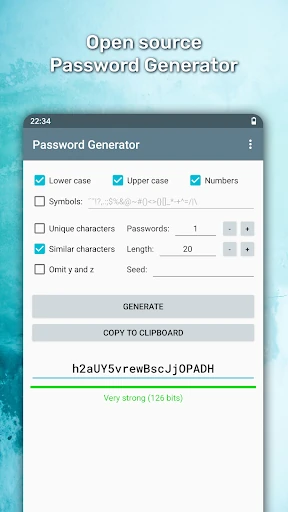
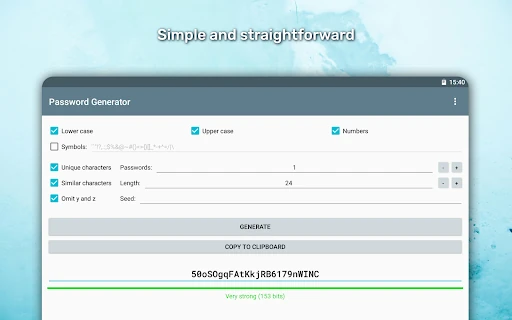
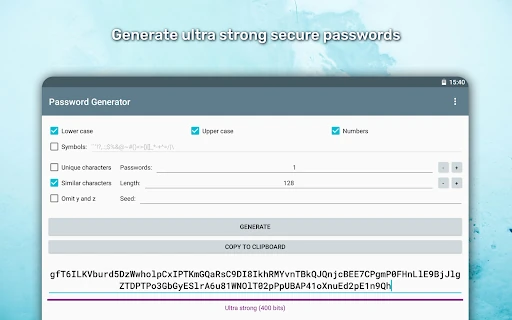
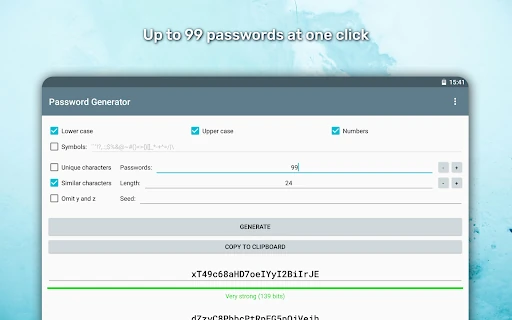
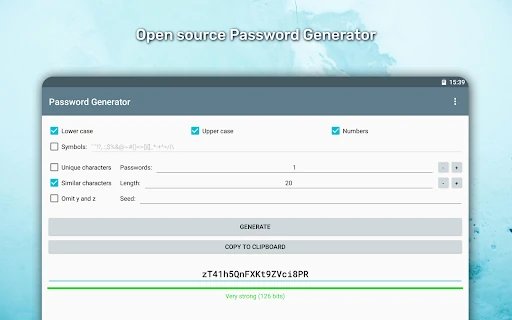
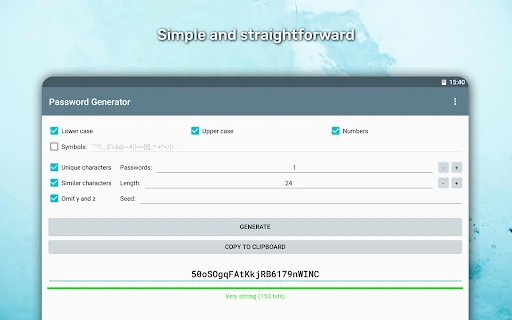
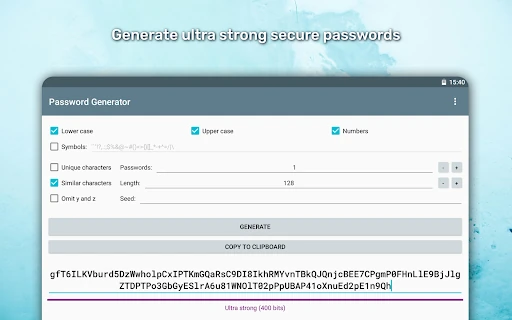
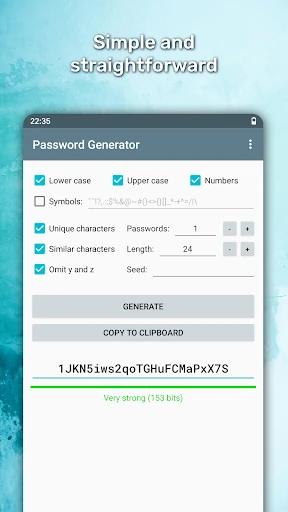
Click to download now, finish the installation quickly, and directly unlock the "all-round experience"
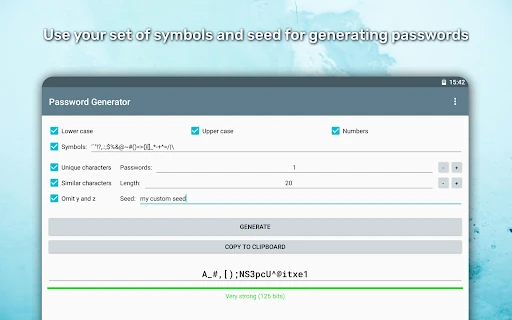
Password Generator is a masterclass in utility-focused software within the Tools landscape. By prioritizing cryptographic security via a cryptographically secure pseudo-random number generator (CSPRNG) and maintaining an open-source codebase, it offers a level of transparency and trust rarely found in the mobile ecosystem. It serves as a vital bridge between complex security protocols and everyday user convenience, stripping away the bloat often found in modern applications to deliver a fast, reliable, and entirely private experience.
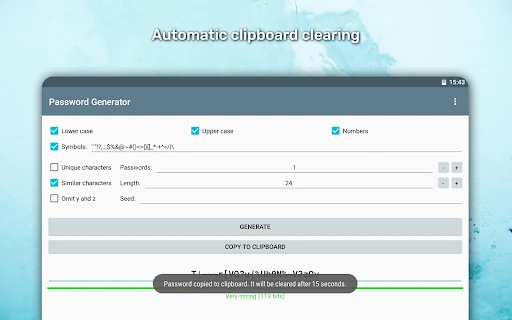
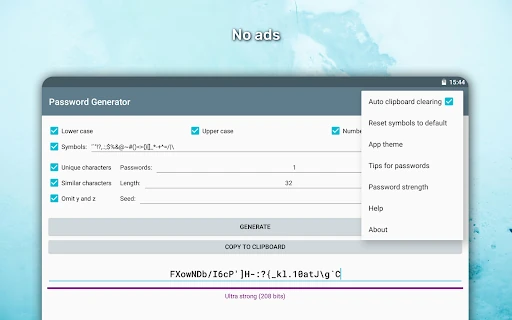
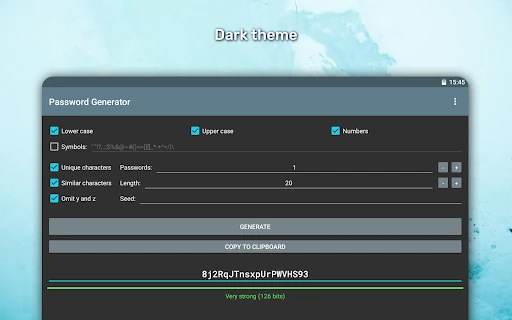
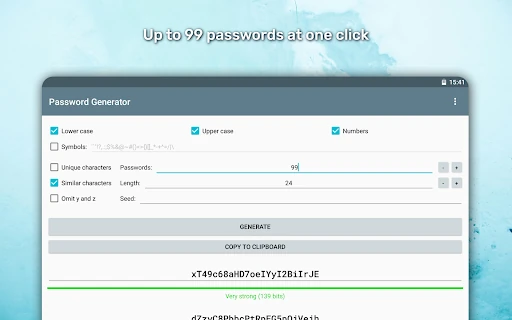
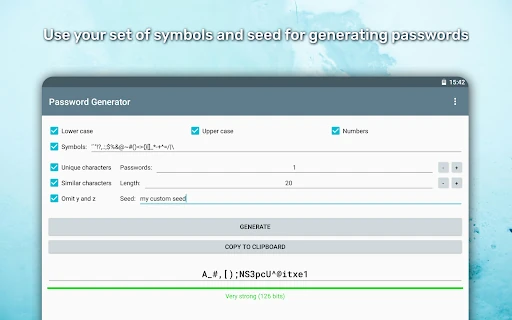
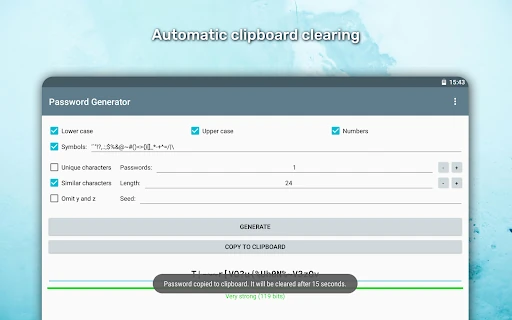
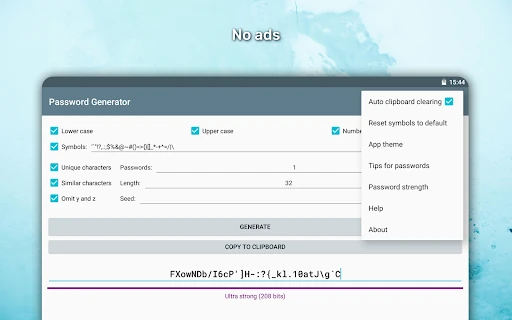
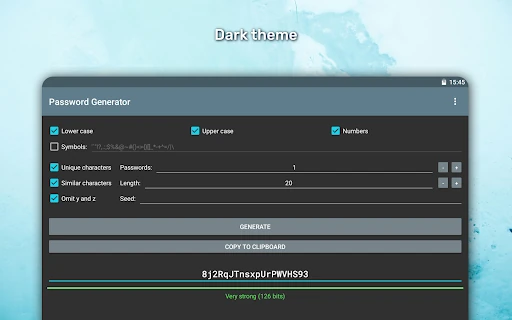
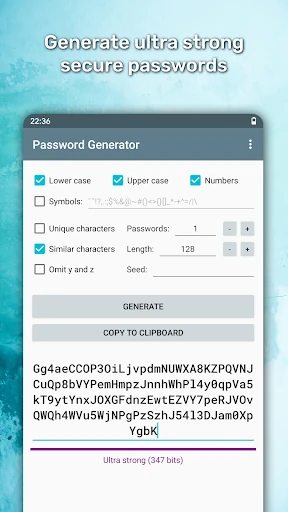
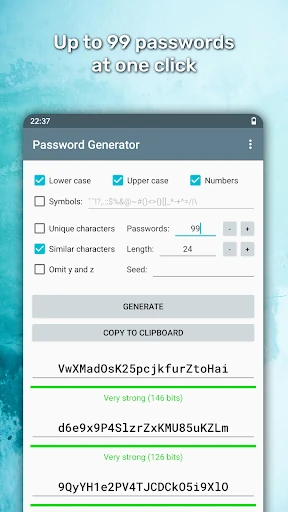
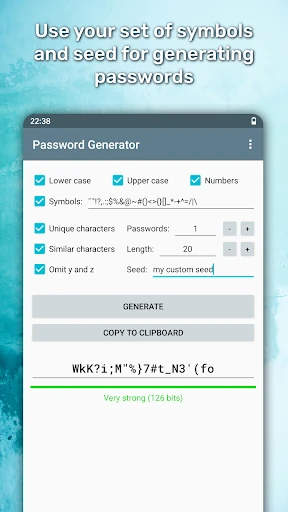
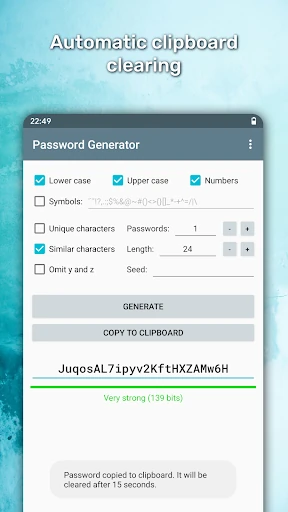
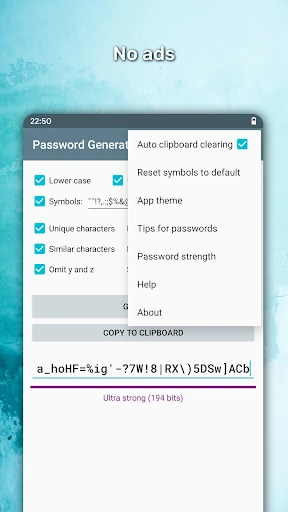
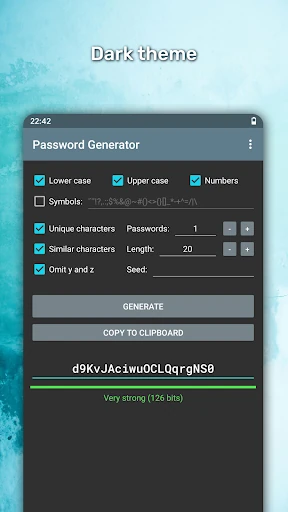
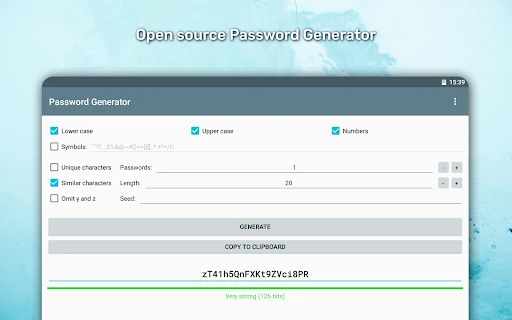
The user interface of Password Generator is refreshingly minimalist, adhering to a "function-first" philosophy. The interaction model is incredibly flat, meaning users are never more than a tap away from their primary goal. The inclusion of both light and dark themes caters to modern UI trends and user preferences for low-light environments. While the design is utilitarian, the clear labeling and immediate feedback make it accessible for both tech-savvy professionals and casual users seeking better security habits.
To further enhance its utility, the app could introduce a "Readable Password" mode that generates secure but pronounceable strings using the Diceware method. Additionally, integrating a QR code generation feature for the created passwords would allow for seamless, air-gapped transfer of credentials to other devices without needing to rely on the system clipboard.
Password Generator is the definitive choice for privacy-conscious users, IT professionals, and anyone who demands high-entropy security without the risk of data harvesting. Its commitment to open-source transparency and zero-permission operation makes it a gold standard in the "Tools" category. This app is highly recommended for users who prioritize security and simplicity over feature-heavy password managers.