Click to download now, finish the installation quickly, and directly unlock the "all-round experience"
About This App
🏆 Expert Verdict & Overview
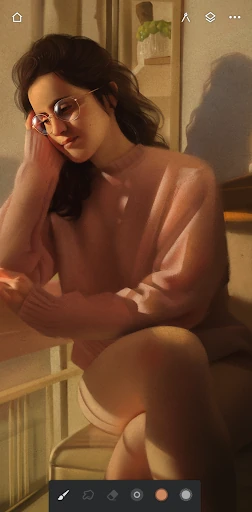
Infinite Painter establishes itself as a premier force in the mobile Art & Design landscape. This isn't just a sketching app; it is a comprehensive, desktop-grade painting studio condensed for tablets and phones. Its core proposition is delivering professional-grade tools, like realistic brush engines and complex layer management, within an interface designed for the tactile, intuitive nature of stylus-driven creation. It successfully bridges the gap for artists seeking serious creative work on the go, catering equally to dedicated hobbyists and career professionals who demand power without compromise.
🔍 Key Features Breakdown
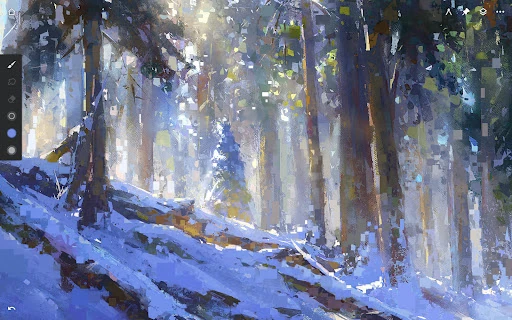
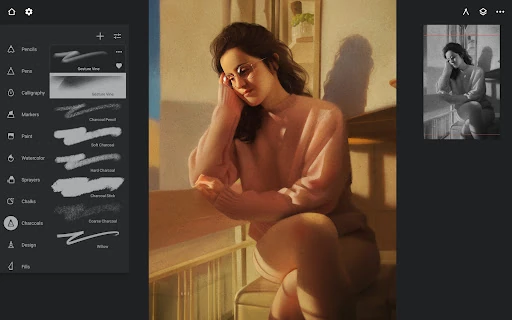
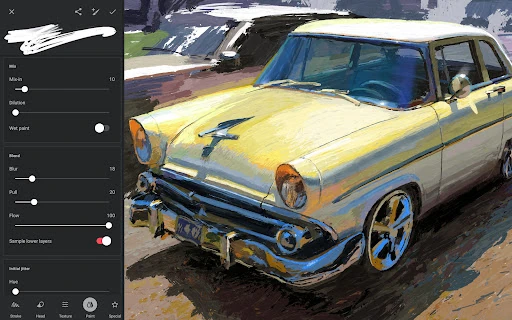
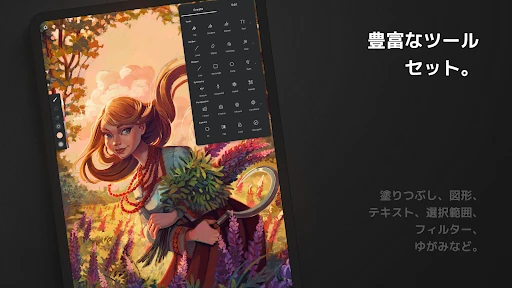
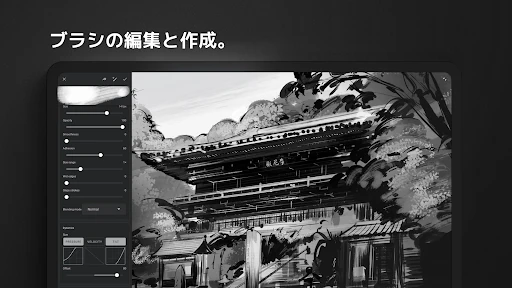
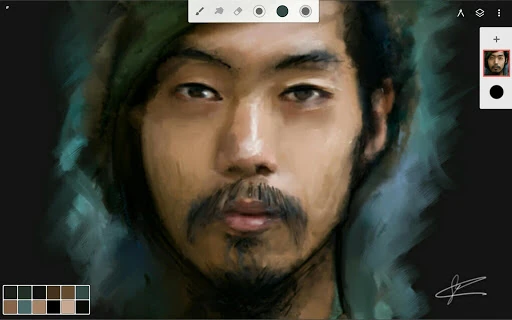
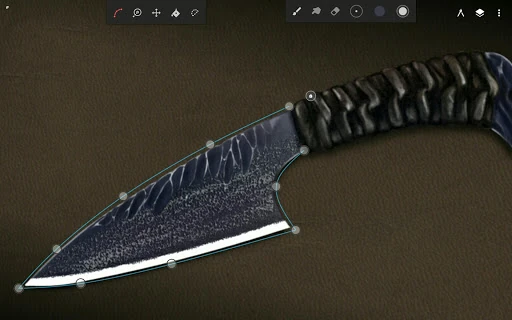
- Realistic Brush Engine & Customization: Solves the problem of digital art feeling "flat" by providing hundreds of brushes with authentic canvas interaction, tilt support, and deep customization (100+ settings), enabling artists to replicate traditional media or invent entirely new ones.
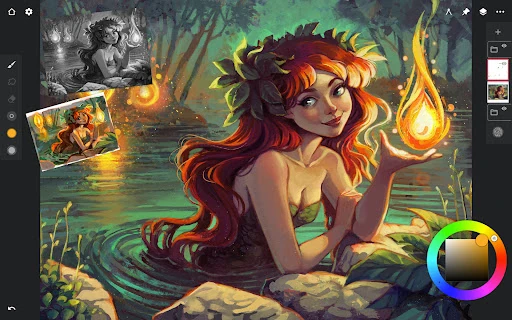
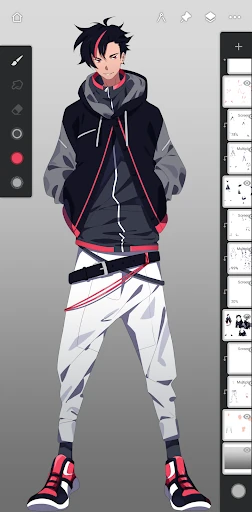
- Intelligent & Spatial UI: Addresses screen space limitations on mobile devices with a clean, customizable interface, gesture-based controls (flick to collapse layers, pinch to group), and dockable panels, maximizing the digital canvas and streamlining the creative workflow.
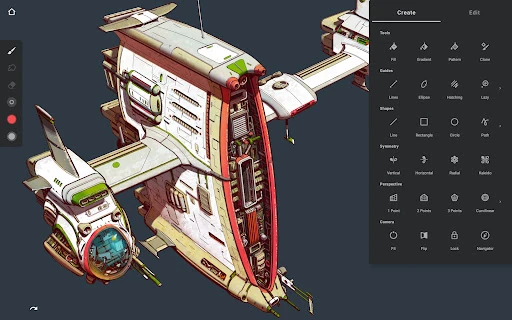
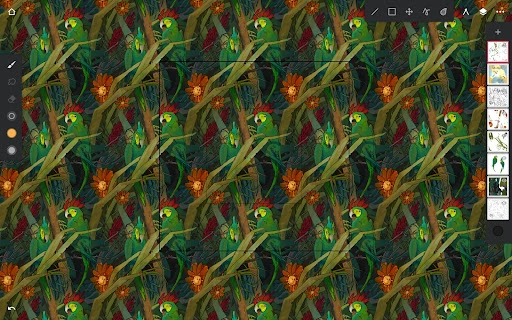
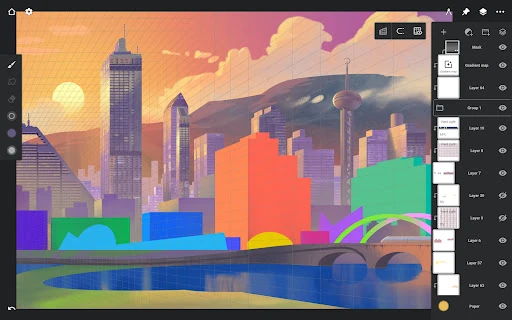
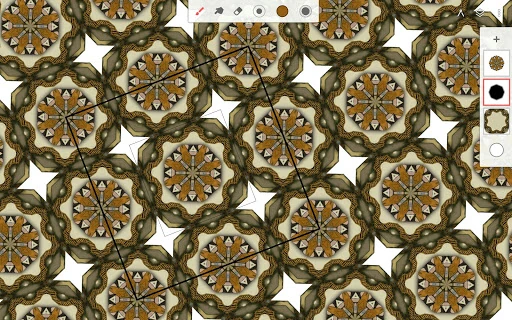
- Advanced Perspective & Symmetry Tools: Tackles the challenge of complex technical drawing on mobile by offering five different perspective guides, isometric grids, and sophisticated radial/kaleidoscope symmetry, empowering artists to create architectural designs, game assets, and intricate patterns with precision.
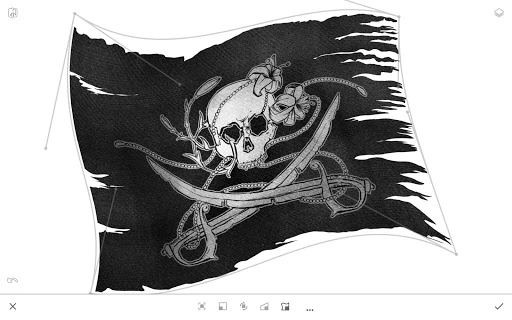
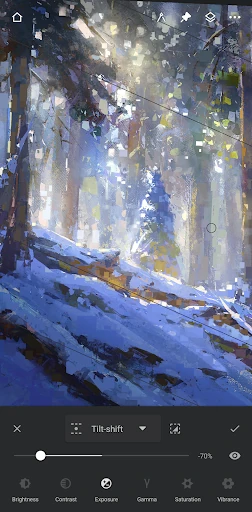
- Professional-Grade Layer & Editing Suite: Solves the need for non-destructive, complex editing by providing layer groups, clipping masks, 30 blend modes, adjustment/filter layers, and Photoshop®-like smart layers, bringing professional photo-editing and compositing workflows to a mobile-first environment.
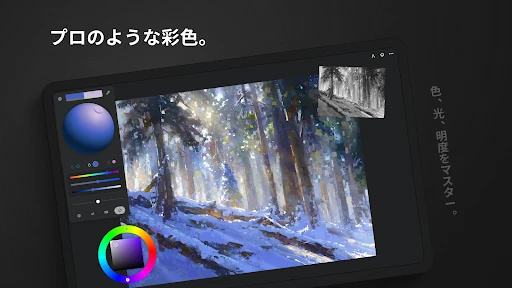
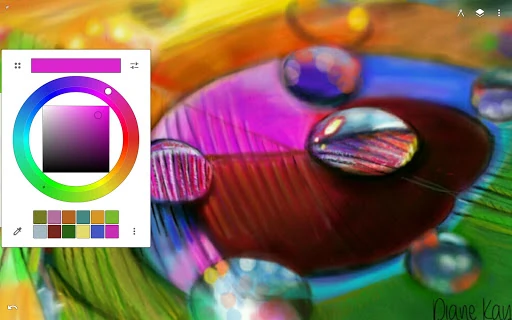
- Workflow Acceleration Features: Addresses friction in the creative process with features like a canvas-accessible color wheel, instant eyedropper, project history for undo/redo, integrated image search, and multi-format export (including layered PSD), facilitating a smooth journey from idea to finished, shareable artwork.
🎨 User Experience & Design
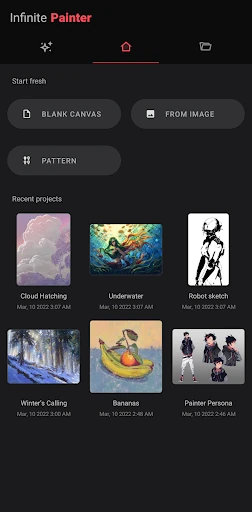
The interface is clearly designed by and for artists who understand the workflow of digital painting. The "minimal and intuitive" claim is earned through a thoughtful, gesture-based UX that keeps tools at your fingertips without permanent screen clutter. Features like pulling up the color wheel with two fingers or docking brush settings exemplify a design philosophy centered on minimizing interruptions. The organization mirrors professional desktop software, making it accessible for experienced digital artists while remaining discoverable for newcomers through its logical grouping of advanced tools like masks, adjustments, and transformations. It successfully translates complex functionalities into a touch-friendly paradigm without sacrificing power.
⚖️ Pros & Cons Analysis
- ✅ The Good: Unmatched depth of professional tools (brushes, layers, adjustments) for a mobile art app, rivaling desktop software.
- ✅ The Good: Exceptionally thoughtful, gesture-driven UI that maximizes usable canvas space and streamlines the artistic workflow.
- ✅ The Good: Robust free version that offers genuine creative capability, allowing users to fully test core features before subscribing.
- ✅ The Good: Strong community integration and sharing features, including timelapse videos, fostering inspiration and learning.
- ❌ The Bad: The sheer breadth of features can create a steep initial learning curve for absolute beginners or those transitioning from simpler apps.
- ❌ The Bad: Pro subscription is necessary for serious work (HD canvas, unlimited layers, key tools like groups and masks), which is a significant commitment.
- ❌ The Bad: Performance and maximum layer count are ultimately dependent on the user's device hardware, potentially limiting complex projects on older models.
🛠️ Room for Improvement
While feature-rich, the app could enhance its onboarding with interactive, project-based tutorials that guide new users through key workflows (e.g., creating a landscape using perspective guides and adjustment layers). Expanding the asset library with importable, community-shared brush packs or default texture sets could provide immediate value. For professional workflows, deeper integration with cloud storage services beyond basic import/export for direct, live project syncing across devices would be a significant upgrade. Finally, introducing a basic vector drawing tool or shape manipulation system would round out its toolset for illustrators and designers.
🏁 Final Conclusion & Recommendation
Infinite Painter is highly recommended for serious digital artists, illustrators, and concept artists who require a portable, yet uncompromising, digital studio. It is equally suitable for dedicated hobbyists ready to graduate from simpler apps to a more professional toolkit. While beginners may initially feel overwhelmed, the robust free version serves as an excellent training ground. For anyone seeking the most powerful and thoughtfully designed painting experience on Android or iOS, Infinite Painter stands as a top-tier choice and a worthy investment for turning a mobile device into a genuine creative powerhouse.