🏆 Expert Verdict & Overview
Speechify – Voice AI Assistant stands as a titan in the Productivity sector, effectively bridging the gap between traditional reading and modern auditory learning. With a massive user base of over 50 million, it has evolved from a niche accessibility tool into a comprehensive AI-driven ecosystem. By leveraging high-quality, human-like synthesis and advanced conversational AI, Speechify doesn't just read text; it acts as an interactive tutor and personal assistant that significantly boosts information retention and workflow efficiency. Its authoritative position in the market is well-earned through a combination of celebrity-backed voice technology and a robust feature set tailored for high-performance users.
🔍 Key Features Breakdown
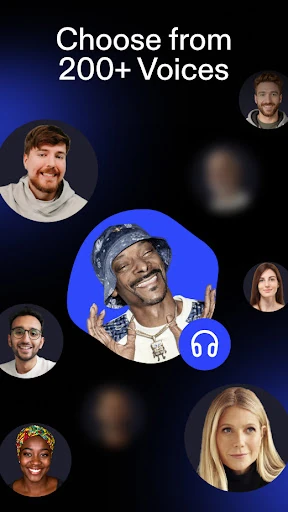
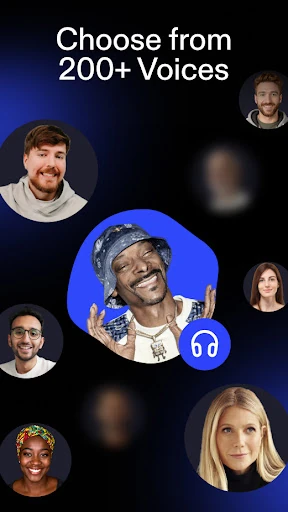
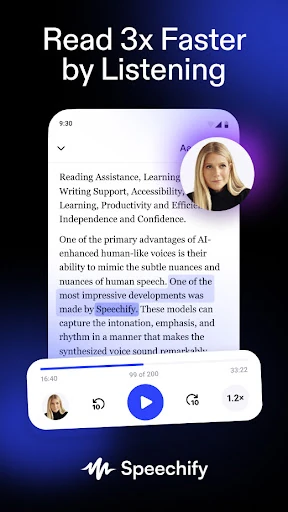
- Premium Human-Like Voices: By featuring celebrity voices like Snoop Dogg and Gwyneth Paltrow alongside 200+ natural options, the app eliminates the "robotic" fatigue common in TTS, making long-form listening significantly more engaging and easier to process.
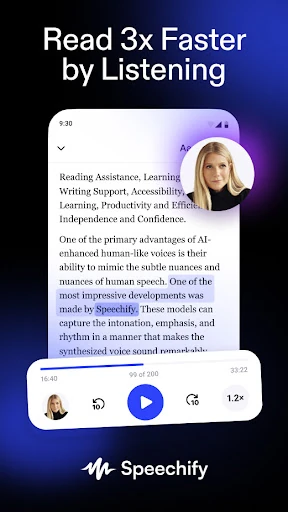
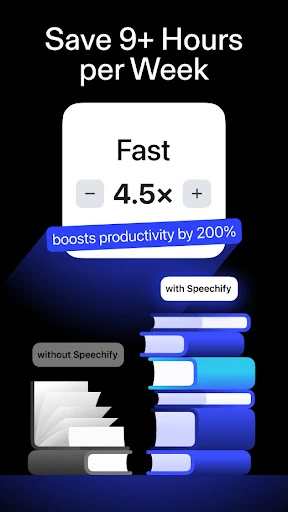
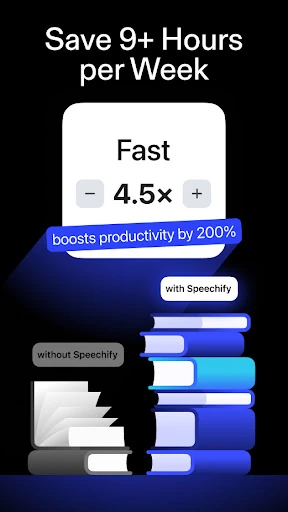
- Hyper-Speed Listening: Users can listen at up to 4.5x speed (900 wpm), solving the problem of time constraints for professionals and students who need to consume vast amounts of data without sacrificing comprehension.
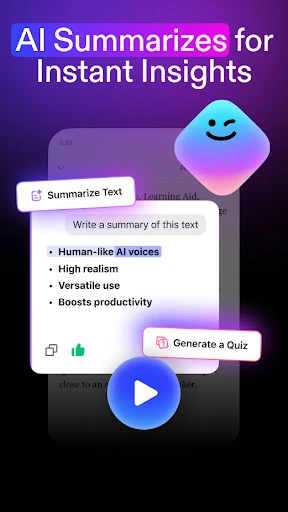
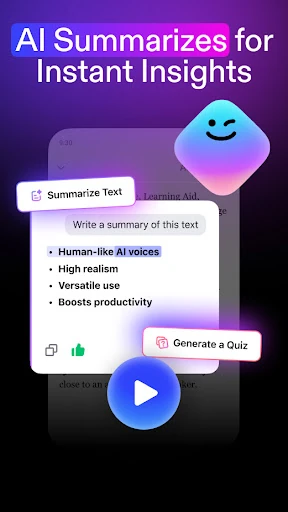
- Interactive AI Assistant: This allows users to "talk" to their documents, asking for summaries or quizzes, which transforms passive listening into an active learning session and helps identify key takeaways instantly.
- Optical Character Recognition (OCR): The ability to snap a photo of physical text or a screenshot and convert it to audio instantly solves the problem of accessibility for printed books, handouts, and non-selectable digital text.
- AI Podcast Generation: This feature converts static documents into conversational podcast styles like "Lecture" or "Thoughtful Talk," catering to auditory learners who prefer a narrative-driven information flow.
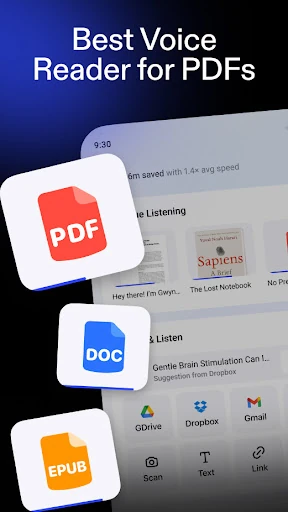
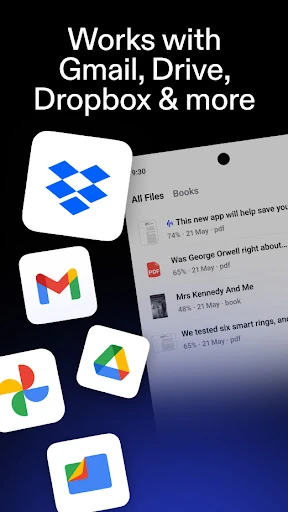
- Multi-Platform Cloud Sync: Instant synchronization between Chrome, Android, and iOS ensures that a user's library and progress are always available, facilitating a seamless transition between desktop work and mobile commutes.
🎨 User Experience & Design
The UI of Speechify is built with a clear focus on accessibility and readability, reflecting its origins as a tool designed for the neurodivergent community. The interface is clean and utilitarian, minimizing distractions to prioritize the text being processed. Navigating between the library, the AI assistant, and the camera functionality is intuitive, following high-standard Android design patterns. The "Inline Player" integration provides a consistent UX across the ecosystem, ensuring that the transition from reading to listening feels like a native, integrated part of the user's digital environment rather than a clunky add-on.
⚖️ Pros & Cons Analysis
- ✅ The Good: Unrivaled voice quality that sounds genuinely human, reducing the cognitive load required to listen for long periods.
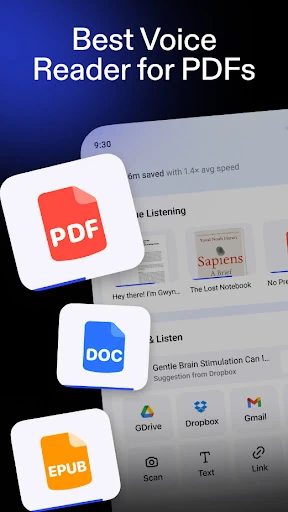
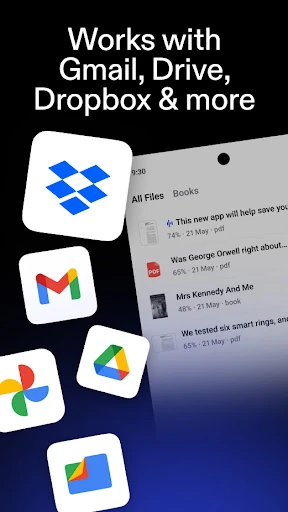
- ✅ The Good: Exceptional versatility, handling everything from emails and PDFs to physical books and web articles in one unified inbox.
- ❌ The Bad: The premium subscription required for the highest-quality voices and advanced AI features can be a significant financial commitment.
- ❌ The Bad: Occasional processing delays when converting very large PDF files with complex multi-column layouts.
🛠️ Room for Improvement
While the AI podcast feature is innovative, adding more granular controls over the "co-host" personalities and the ability to edit the AI-generated scripts would enhance the personalization of the experience. Additionally, improving the offline functionality for the high-quality AI voices would benefit users who need to study or work in environments with inconsistent internet access. Finally, integrating more robust folder management within the library would help power users organize high volumes of documents more effectively.
🏁 Final Conclusion & Recommendation
Speechify is the definitive solution for students, professionals with heavy reading loads, and individuals with visual or learning impairments such as Dyslexia and ADHD. It is the gold standard for text-to-speech technology, offering more than just audio conversion—it offers a comprehensive productivity suite that turns every document into a dialogue. For anyone looking to reclaim their time, improve retention, or overcome reading barriers, Speechify is a top-tier recommendation and a vital addition to any digital toolkit.