GoPro Quik: Video Editor
GoPro
Downloads
10,000,000+
Version
Latest
Advertisement
Click to download now, finish the installation quickly, and directly unlock the "all-round experience"
Advertisement
Screenshots
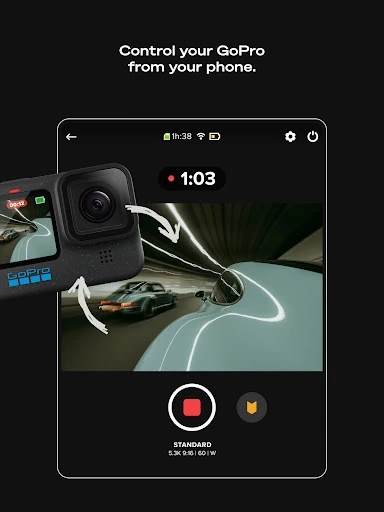
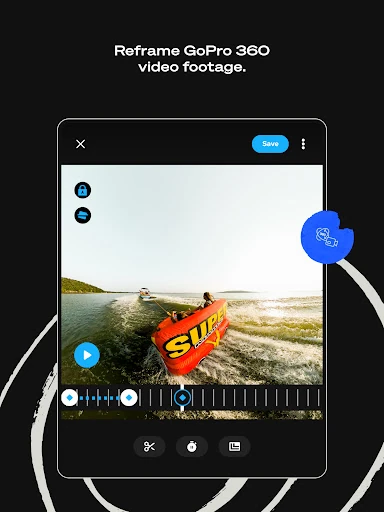
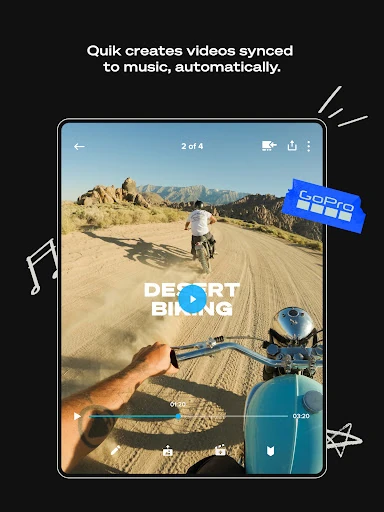
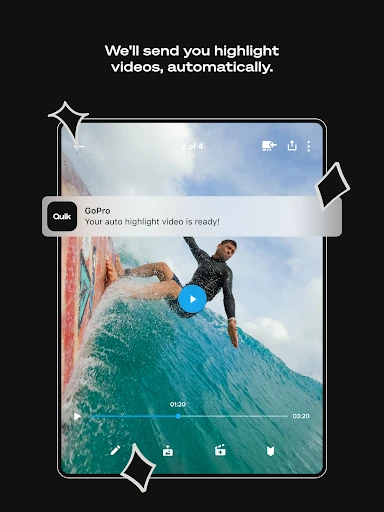
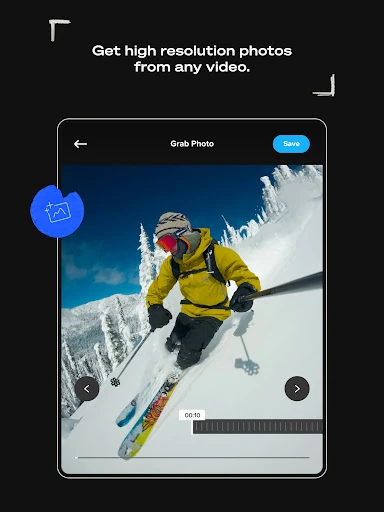
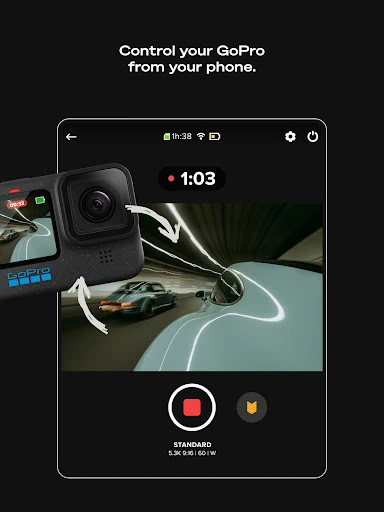
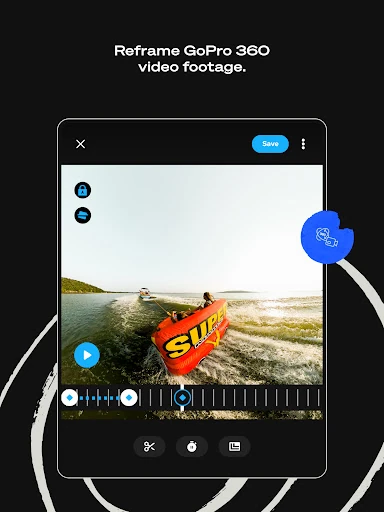
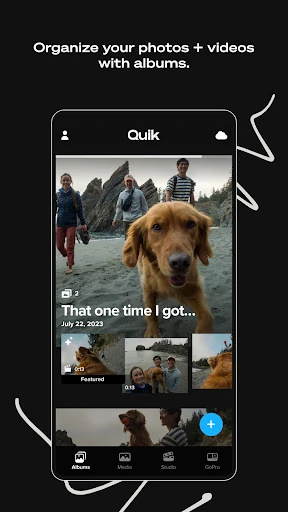
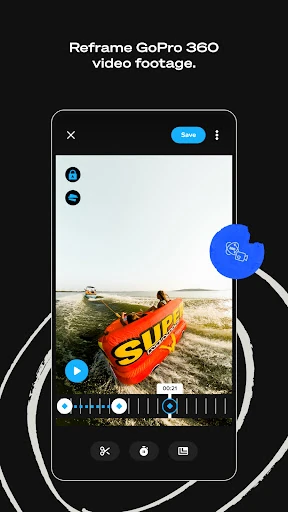
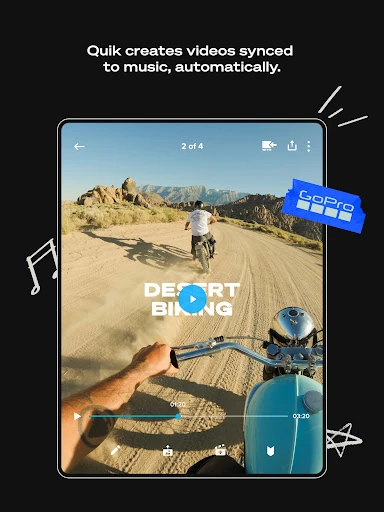
Click to download now, finish the installation quickly, and directly unlock the "all-round experience"
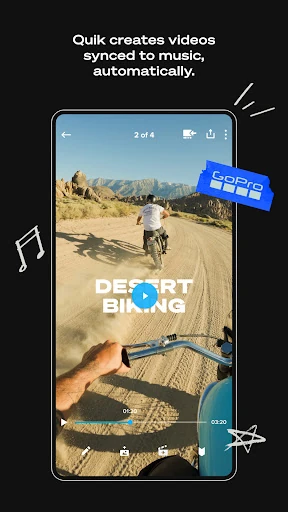
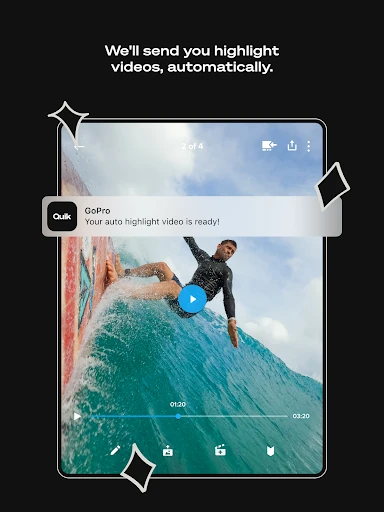
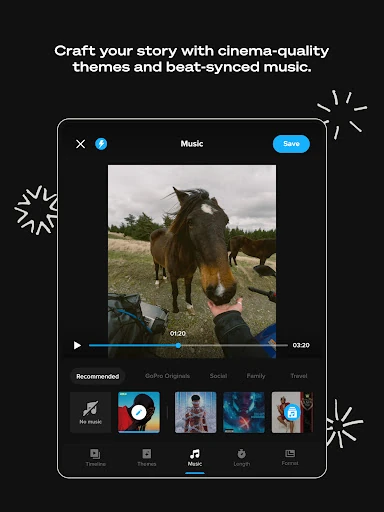
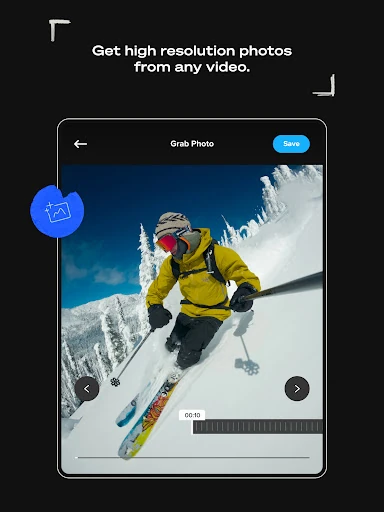
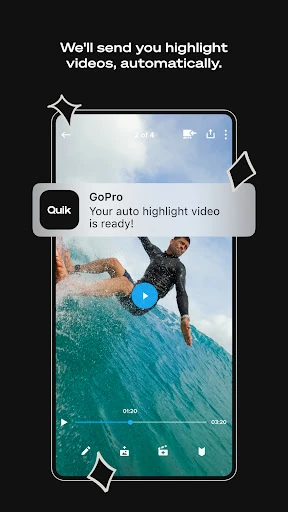
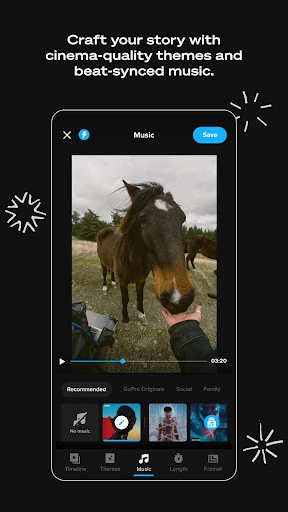
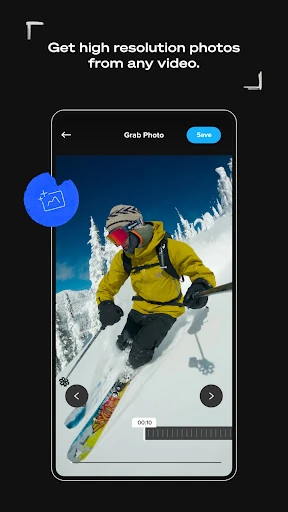
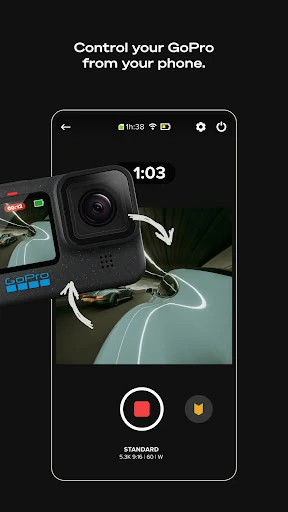
GoPro Quik: Video Editor is a formidable contender in the Video Players & Editors landscape, successfully pivoting from a simple companion app to a robust, AI-driven creative powerhouse. It distinguishes itself by streamlining the often tedious process of mobile video editing through high-level automation and deep hardware integration. For users within the GoPro ecosystem, it acts as a seamless bridge between raw capture and polished storytelling, while providing a versatile toolset for smartphone videographers looking for cinematic results without the steep learning curve of professional desktop software.
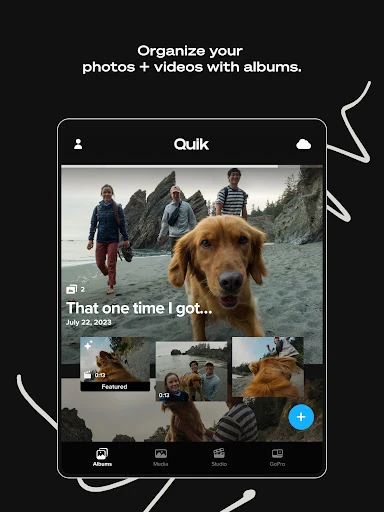
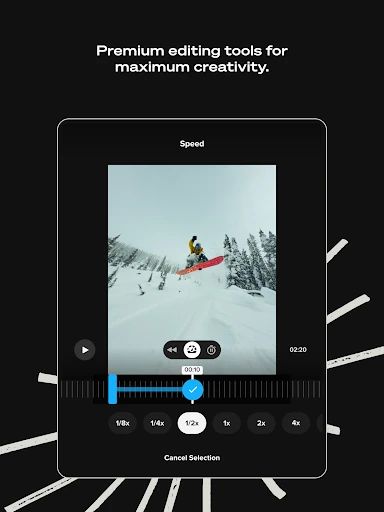
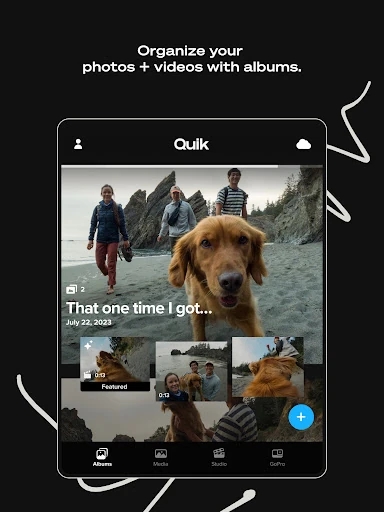
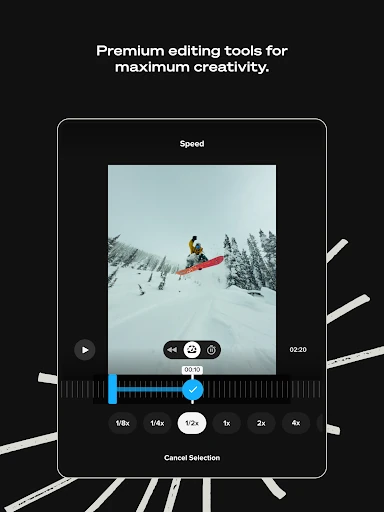
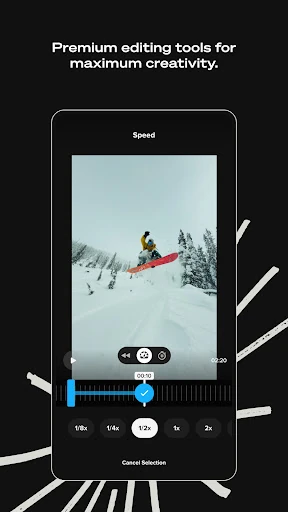
The UI of GoPro Quik is designed with a "mobile-first" philosophy that prioritizes speed and accessibility. The interface avoids the cluttered timelines typical of mobile NLEs (Non-Linear Editors), instead opting for a clean, modular design that guides the user through the editing process. Navigation is intuitive, with clearly labeled icons and a responsive "Mural" view that helps organize media chronologically. The UX succeeds by minimizing the number of taps required to reach a finished product, though it maintains enough depth in its "Premium Tools" to satisfy users who want to fine-tune color, light, and speed manually.
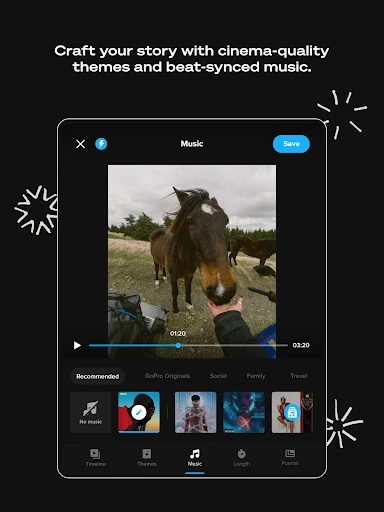
To further solidify its position, GoPro Quik should consider expanding the flexibility of its cloud storage for non-GoPro media, as many modern creators use a hybrid of action cameras and smartphones. Additionally, the inclusion of more advanced audio editing features, such as multi-track layering or AI-driven noise reduction, would bridge the gap for creators who require more control over their soundscapes. Lastly, improving the stability of wireless transfers for older camera models would enhance the experience for the broader GoPro community.
GoPro Quik: Video Editor is the premier choice for action sports enthusiasts, vloggers, and GoPro owners who prioritize efficiency and automated polish. It is specifically tailored for those who want to share high-quality stories quickly without getting bogged down in technical minutiae. While the subscription model is a necessary consideration, the value provided through unlimited cloud storage and AI-powered editing makes it a highly recommended tool for any creator within the mobile-first content ecosystem.