Advertisement
Click to download now, finish the installation quickly, and directly unlock the "all-round experience"
Advertisement
Screenshots

Click to download now, finish the installation quickly, and directly unlock the "all-round experience"
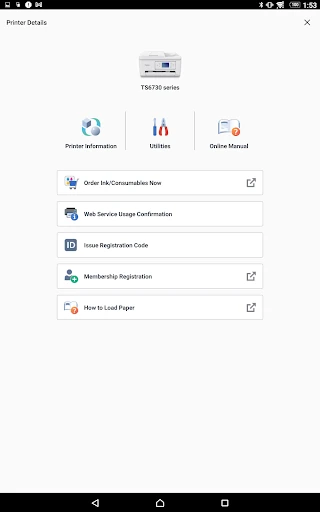
Canon PRINT is a foundational utility within the mobile tools landscape, serving as the primary digital bridge between Android devices and Canon’s extensive hardware ecosystem. As a comprehensive companion app, it streamlines the traditionally cumbersome tasks of printer configuration, document digitizing, and maintenance. In an era where mobile-first workflows are becoming the standard for both home and professional environments, Canon PRINT establishes itself as a high-authority solution for managing PIXMA, MAXIFY, and imageCLASS series printers without the need for a dedicated PC.
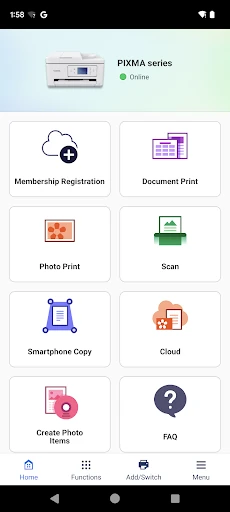
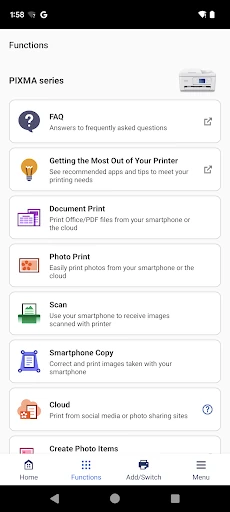
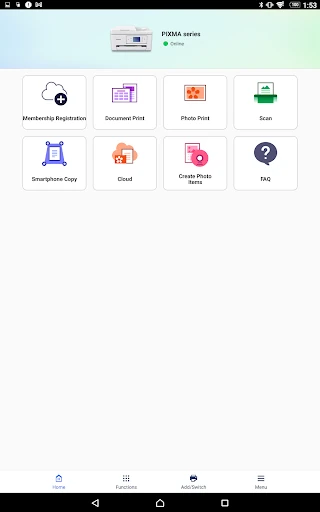
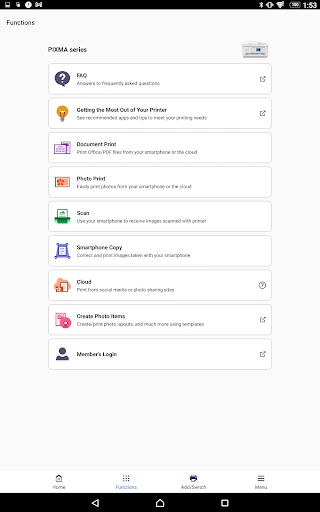
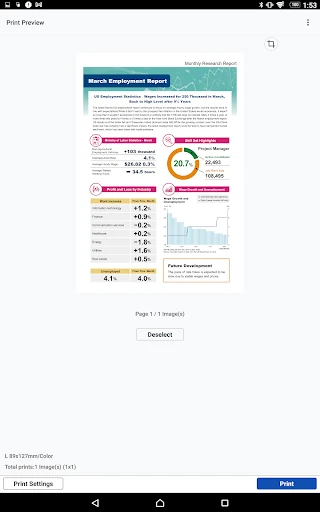
The user interface of Canon PRINT prioritizes utility and task efficiency over visual flourish, which is consistent with the expectations for the Tools category. The layout employs a grid-based navigation system that places the most frequent actions—Printing and Scanning—at the forefront. While the design language is somewhat conservative, the UX flow is logical, guiding the user through multi-step processes like photo selection or scan settings with minimal cognitive load. The interface is built for reliability, ensuring that users can execute tasks quickly in high-pressure productivity scenarios.
To further enhance the user experience, Canon should consider implementing a more robust in-app troubleshooting wizard that uses real-time diagnostics to resolve connectivity drops. Additionally, modernizing the UI with a more fluid, gesture-based navigation system and a native dark mode would bring the app in line with current Android design standards. Expanding the "Ad Hoc" mode support for older SELPHY models would also be a significant win for legacy users.
Canon PRINT is an indispensable tool for anyone owning a compatible Canon printer, particularly students, home-office professionals, and photography enthusiasts. It successfully transitions the printing experience from a tethered desktop activity to a flexible mobile workflow. While it remains a utility-first application, its reliability and deep integration with Canon hardware make it the definitive choice for its target audience. If you own a Canon PIXMA, MAXIFY, or imageCLASS device, this app is a mandatory addition to your mobile toolkit.